

Home office furniture setup 2025 is a game-changer for hybrid professionals seeking a healthier, tech-forward, and efficient workspace—especially when square footage is tight and the need for ergonomic, modern design is essential.
Key Takeaways
- The 2025 home office furniture setup revolutionizes small-space work with ergonomic, programmable features and modular design for modern hybrid careers.
- True comfort and wellness go beyond the chair—optimal setups align monitor, desk, keyboard, and lighting, not just seating.
- Concrete specs, trusted test results, and real-world layouts help buyers balance price, function, and aesthetics for their exact space and budget.
- Why 2025 Is a Turning Point for Home Office Furniture
- The Perfect Home Office Furniture Setup 2025: A Step-by-Step Guide
- Advanced Analysis & Common Pitfalls in 2025 Home Office Setups
- Conclusion
- FAQ
Why 2025 Is a Turning Point for Home Office Furniture
Demand for a professional home office furniture setup 2025 has never been higher. In 2025, roughly 28 percent of all paid U.S. workdays are now performed remotely, and industry forecasts project continued double-digit annual increases in demand for ergonomic desks and task chairs as hybrid work becomes the default. Design trends are being reshaped by health priorities, smart tech, and the need for versatile, compact setups.
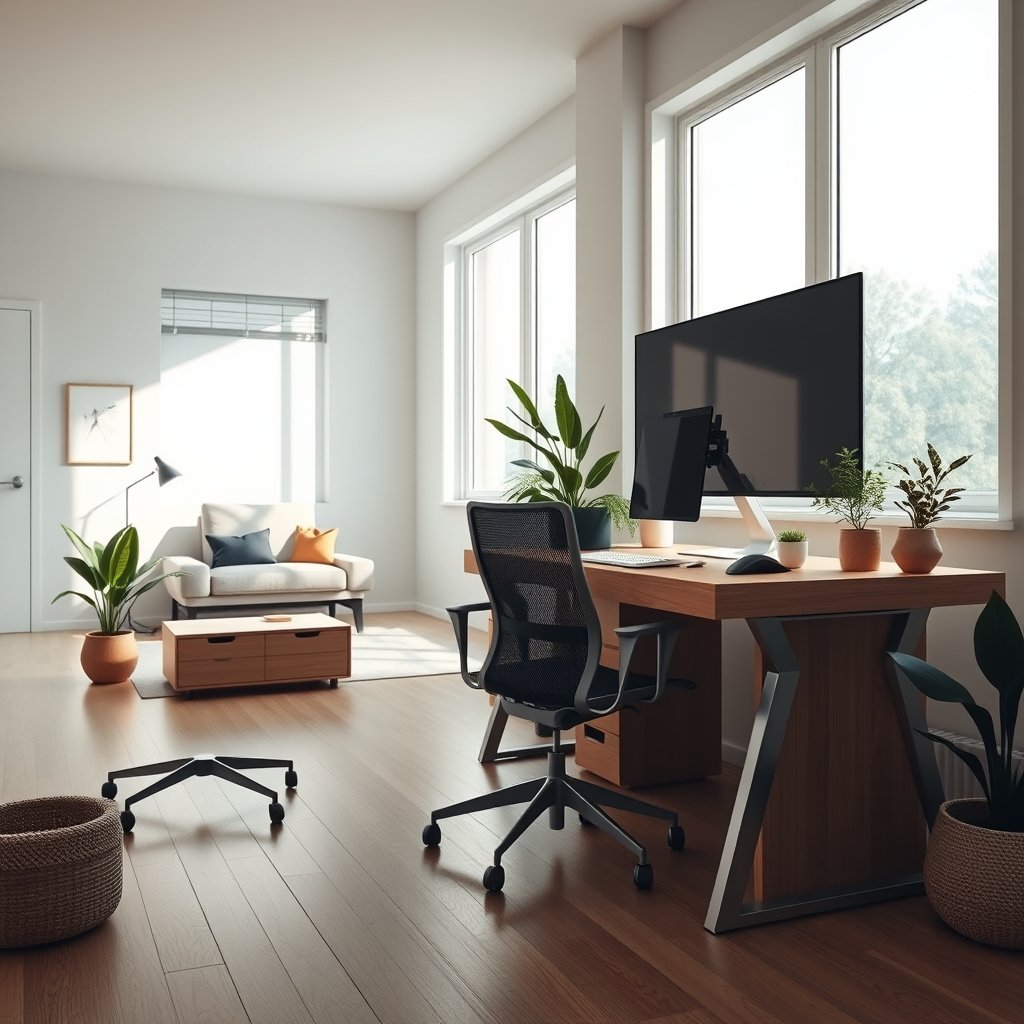
Three things drive this shift:
- Wellness and Ergonomics: Chairs and desks are designed to actively promote healthy posture and movement, with automatic adjustability and sensor-driven support now valued as essentials.
- Multiuser Memory & Modularity: Compact homes often have shared workspaces. Desks and seating with memory presets and modular accessories easily adapt to different users’ preferences—crucial where space is a premium.
- Sustainable, High-Performance Materials: Modern design leans into eco-friendly textiles, low-VOC finishes, and minimalist profiles—easy to clean, move, and reconfigure as needs change.
As seen in leading models like the Steelcase Karman and Orangebox Eva (reviewed here), 2025 setups are more than office gear—they are agile health investments that respond to new hybrid work realities. Desks feature built-in cable management and wireless charging, while chairs have programmable lumbar, weight sensing, and intuitively adjustable armrests.
The Perfect Home Office Furniture Setup 2025: A Step-by-Step Guide
Building a futureproof, ergonomic home office in 2025 is about more than buying a new chair. It comes down to layering comfort, technology, and organization—step by step, and tailored for your real space.
- Start with the Desk: Choose a programmable sit-stand desk with at least 24-50″ adjustment range. Memory presets for 2–4 users and built-in cable management are now standard on midrange models. If you’re working in a studio alcove or bedroom corner, prioritize desks with a depth under 28″ to maximize usable floor space.
- Prioritize an ergonomic home office desk chair: Look for auto-tracking lumbar support, 4D+ armrest adjustment (height, width, depth, swing), seat depth adjustability (minimum 2–3″ travel), and dynamic weight-sensing recline. Sensor-driven posture correction and programmable settings are differentiators in 2025. Breathable ecological mesh is best for airflow and comfort in small rooms (see latest reviews).
- Monitor, Keyboard, and Mouse: Use an adjustable monitor arm (height, tilt, swivel) to place your top screen edge at or slightly below eye level with you sitting upright. A keyboard tray with tilt and retractable ability lets you achieve neutral wrist alignment—even when standing.
- Lighting: Integrate a dimmable LED desk lamp with a CRI over 90 to minimize eye fatigue. Consider task lighting that mounts to the desk, not the floor, to preserve open areas as much as possible.
- Accessories and Movement Tools: An anti-fatigue mat for standing work, a low-profile footrest, and modular under-desk storage cubes (on felt pads or wheels) keep gear organized and reduce neck/shoulder tension.
- For Shared, Small, or Flexible Spaces: Look for modular furniture—a floating shelf doubles as a printer station; foldaway chairs for guests; or a mobile credenza for files/electronics during “off hours.” Wellness-centered, multiuse pieces are a 2025 trend (see trends).
- Cable and Device Management: Use built-in cable raceways, trays, or vertical sleeves. Prioritize wireless charging pads for daily devices, and label all wires for fast troubleshooting.
- Ergonomics Routine: Program sit/stand reminders on your desk controller, and use a free desktop app for prompted microbreaks. Set your desk and chair presets in advance so that both you and another user can switch positions in seconds.
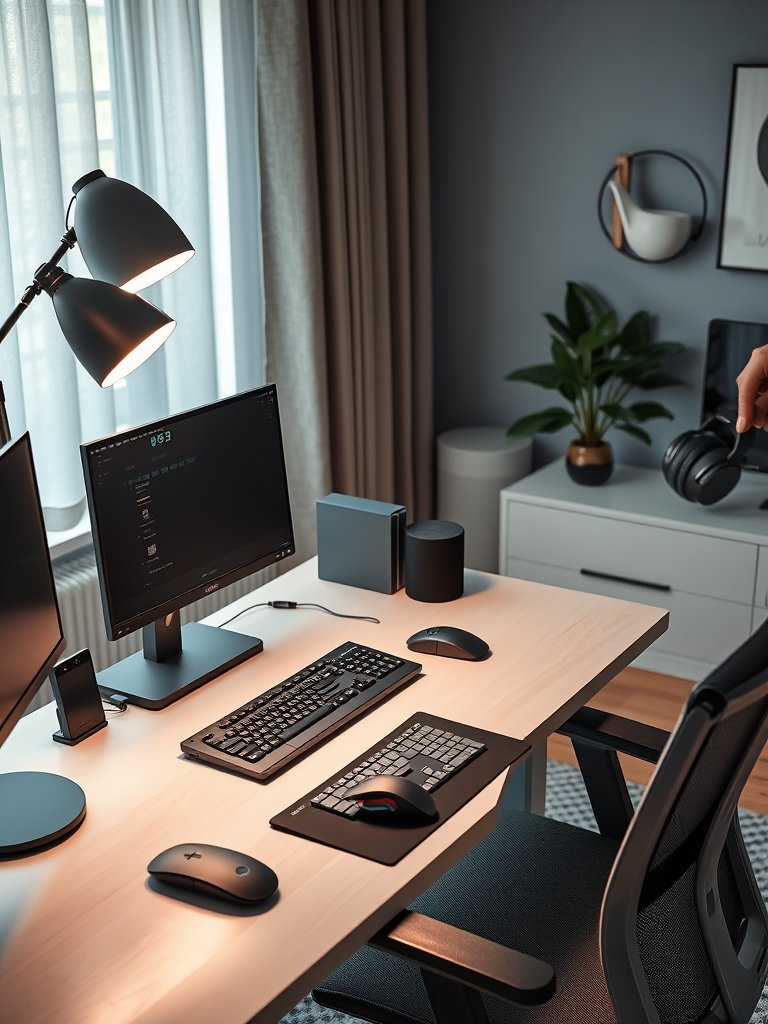
Small Space Layout Templates (2025-Ready)
- Studio Alcove:
- Desk: 40″W x 24″D sit-stand, minimum 50″ height reach
- Chair: 18-20″ width, full ergonomic spec
- Monitor arm: 18-24″ workspace reach
- Accessories: Under-desk cube (multifunctional storage guide)
- Bedroom Corner:
- Desk: 47″W x 26″D, memory settings for couple/shared use
- Chair: BIFMA-rated, 2-4D armrests, 280lb+ rating
- Vertical shelving, adjustable lamp clamp, floor mat
- Multiuse Living Space:
- Mobile sit-stand desk (42″W+), modular chair with easy foot glides
- Foldaway tray for keyboard/mouse
- Soft close cabinet or ottoman for work items after hours
For more on integrating organization and noise reduction in small spaces, check out our complete guide to home office soundproofing.
Advanced Analysis & Common Pitfalls in 2025 Home Office Setups
Despite massive improvements, even top-tier 2025 home office setups are not immune to common complaints and costly pitfalls.
| Issue | Common Pitfall | What to Look For | Specs/Red Flag Signals |
|---|---|---|---|
| Adjustability | Fixed-height armrests or limited seat/recline range | 4D armrests, programmable seat/lumbar modules | Minimum 2″ seat depth range, 110°+ back tilt |
| Comfort | Uncomfortable cushions or hard seat/tray edges | Pressure-diffusing seat foam and waterfall edges | User reviews citing $600 chair with B-tier comfort |
| Casters/Floor Protection | Cheap plastic wheels causing wobble or scratching | Softer or dual-wheel casters, floor-mat ready | Reviews mentioning wobble, hard floor marks |
| Ergonomics Guidance | Lack of clear setup guidance for monitors, keyboard | Setup instructions or video guides for each furniture piece | Products that skip monitor arm/tray recommendations |
| Cable Management | Messy, exposed cables even on higher-end desks | Integrated raceways, magnetized clips, labeled power zones | No built-in routes or cable cover solutions |
Evidence from 2025 industry and review data: The most frequent complaints center on insufficient adjustability (especially fixed-height armrests and limited recline), uncomfortable seat cushions or hard edges during prolonged use, low-quality casters that wobble or damage flooring, inadequate ergonomic guidance for monitor and keyboard placement, and a lack of cohesive cable management solutions.
- A commonly cited chair cost is around $600 but may still offer only limited adjustability—mid-range pricing doesn’t guarantee full ergonomic specs. (See review breakdowns.)
- Many competitor guides miss holistic, step-by-step setup instructions. Instead, they focus narrowly on product lists without addressing proper “total alignment” for neck, spine, and workflow organization (see here).
- Brands like Steelcase and Orangebox are setting new standards for tech-driven, sustainable furniture but even their models must be compared by precise ranges for seat depth, lumbar travel, and user programmability.
Compare different chair and desk combinations with numeric specs for real results. If you need help understanding which smart home upgrades complement your home office, read our guide to AI smart home hub setup.

Conclusion
The 2025 home office furniture setup 2025 is about achieving total ergonomic harmony in a tight footprint without sacrificing wellness, aesthetic, or technology. Small-space professionals benefit by choosing programmable sit-stand desks, genuinely ergonomic home office desk chairs, and modular accessories that address pain points around comfort and organization. Take advantage of in-depth reviews, test different layouts, and always compare products using clear technical specs before you invest.
If you’re ready to build your optimal small-space office, start by downloading a setup checklist and compare proven models using real specs and honest user reviews. For a deeper dive, see how home soundproofing or minimalist design can boost your workflow—and futureproof your space for the next wave of remote work demands.
FAQ
What makes a home office furniture setup 2025 truly ergonomic?
Look for a programmable sit-stand desk, an ergonomic home office desk chair with auto-tracking lumbar and multiway armrests, adjustable monitor arms, and accessories like anti-fatigue mats and footrests. The key is flexibility, measurable specs, and support for frequent posture changes.
How much should I budget for a complete ergonomic home office setup in 2025?
On average, a quality desk runs $350–$800, and a true ergonomic chair is $450–$1,200. Factor in $80–$200 for essentials (monitor arm, lighting, trays). Don’t assume mid-range price guarantees full specs—check adjustability before buying.
What are the biggest pain points with modern ergonomic chairs?
Recent reviews cite limited adjustability (fixed or too-flat armrests and lumbar), cheap casters that wobble, and uncomfortable edges. Always check objective specs, user photos, and whether the chair is rated for your floor and body type.
Are modular or multiuse furniture options worth it in small home offices?
Absolutely—modular desks and storage adapt as your needs and users change. Multiuse pieces (shelf-desks, mobile credenzas) keep clutter down and maximize every inch, crucial in apartments or bedroom corners.
Where can I find independent reviews and setup guides for 2025 home office furniture?
Look for review platforms like TechRadar, BTOD, and specialty ergonomic sites. Many now test 20+ new chairs/desks a year. Always supplement with setup guides and small-space layout advice—our resources on soundproofing and modular furniture provide hands-on help.