

AI smart home hub setup is reshaping modern living by making devices from different brands work seamlessly together through AI-powered automation. But not all setups are as smooth as marketing claims. If you want a reliable, unified smart home in 2024, it’s essential to understand the technology, process, and potential headaches—before you invest.
Key Takeaways
- Understanding Matter and AI hubs will help you avoid costly compatibility mistakes in your smart home integration.
- Real-world setup is often trickier than manufacturers suggest—expect some troubleshooting even with “easy” Matter-supporting devices.
- Planning connectivity and anticipating potential pitfalls saves you time, money, and frustration as you expand your home automation system.
- The Core Concept: What Is AI Smart Home Hub Setup?
- Step-by-Step Guide: How to Set Up Your AI Smart Home Hub for 2024
- Advanced Analysis & Common Pitfalls
- Conclusion
- Frequently Asked Questions
The Core Concept: What Is AI Smart Home Hub Setup?
An AI smart home hub setup links various connected devices—such as lights, thermostats, security locks, and appliances—using a central controller that employs artificial intelligence. The goal is to unify device management, automate routines, and support voice control, regardless of device brand. The latest wave of interoperability is driven by the “Matter” protocol, which promises to solve compatibility issues and let products from Apple, Google, Amazon, Samsung, and others work in harmony.
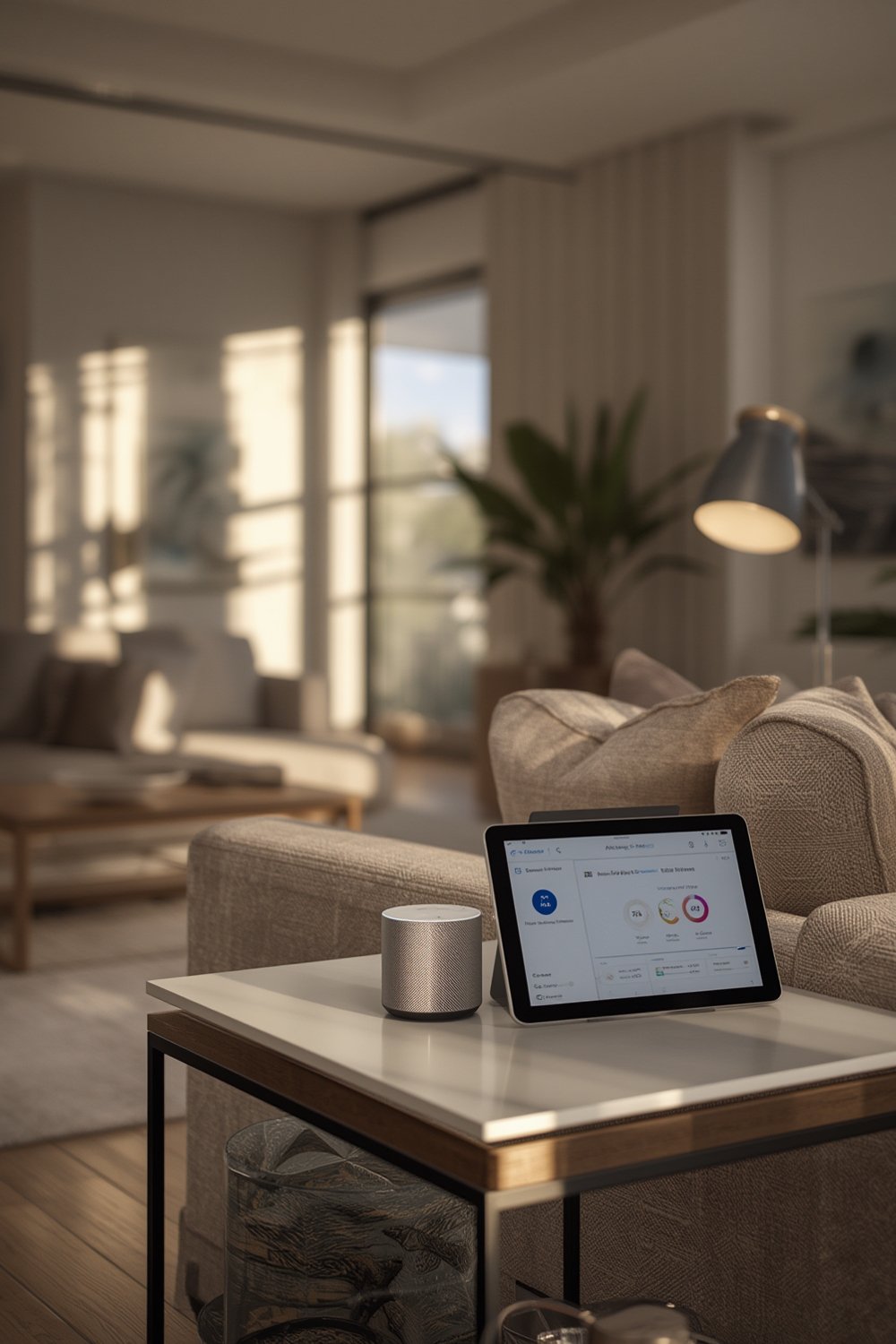
In the past, setting up a smart home meant juggling proprietary apps and hubs—think Google Assistant, Alexa, or Apple HomeKit in their silos. Matter aims to standardize this, letting your devices “talk” to any platform. As of 2025, the smart home market is booming, with a value of $121.59 billion and projected to hit $633.29 billion by 2032.
With more brands (like Ecobee and Samsung) adding Matter support, homeowners are free to mix and match devices. AI integration adds another layer, allowing for context-aware automation—for example, your hub knows you’ve left for work and adjusts lighting, locks, and climate accordingly.
However, setting up these systems isn’t always cookie-cutter simple. Next, let’s break down the process.
Step-by-Step Guide: How to Set Up Your AI Smart Home Hub for 2024
- Choose the Right AI Hub: Select a Matter-compatible AI hub such as Google Nest Hub Max, Apple HomePod, or Amazon Echo. Confirm that your preferred devices support either Matter or Thread, the underlying mesh networking protocol.
- Survey Your Devices: Audit existing and planned devices (lights, sensors, locks, plugs, etc.). Check each for Matter compatibility. If you’re retrofitting, focus on bridges or plugs that can connect legacy gear.
- Network Readiness: Strong Wi-Fi and, for some platforms, Thread border routers are essential. Avoid connecting hubs to overcrowded or spotty Wi-Fi bands. If needed, invest in a mesh Wi-Fi router before starting.
- Connect and Onboard Devices: Open your hub’s app, follow the onboarding guide, and use QR scanning or code entry to add each device. For multi-brand setups, stick with the hub’s main app—don’t jump between manufacturer apps during core setup. Prioritize basic function (on, off, dim, lock, etc.) before fine-tuning automation.
- Build Automations with AI: Once integration works, use the AI assistant to create routines based on time, location, or behavior. Experiment cautiously—sometimes aggressive automation causes unexpected device behavior.
- Test, Troubleshoot, Adjust: Expect at least a few failures or conflicts, especially if integrating legacy gear. Document process and changes—you may need to retrace steps for future fixes or system resets.
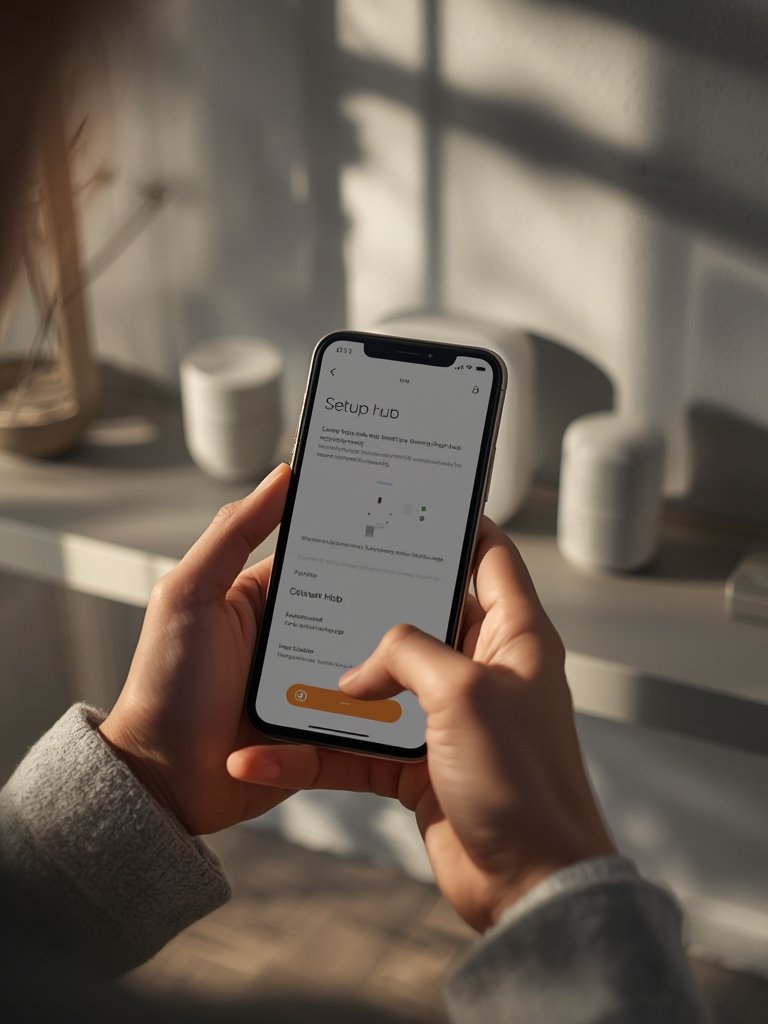
If you’re considering a major smart home investment, review your home’s power and connectivity infrastructure first. A poorly located router or lack of power outlets can stall entire projects. If you ever plan to install a home EV charger later, coordinate with your smart hub placement for centralized automation.
Consider the location of future smart tech, too. For example, if you plan an ADU garage conversion, run wiring and robust Wi-Fi to the detached space from the start. Smart hubs thrive on good infrastructure.
Advanced Analysis & Common Pitfalls
While Matter and AI integration are promising, their real-world deployment brings a new set of challenges. Here’s what to watch for when setting up your AI smart home hub.
- Compatibility Gaps: Not all devices are truly “plug and play.” Matter covers many product categories, but features like cameras and complex automations may lag behind or require firmware updates.
- Network Congestion: Mesh Wi-Fi and Thread networks reduce interference, but too many connected devices can overload routers. If your home already supports bandwidth-heavy tech—like a backyard pool chiller or high-def security cameras—consider a Wi-Fi upgrade before adding dozens of smart gadgets.
- Privacy Concerns: Always review your hub’s data retention and sharing settings. By default, some AI hubs transmit voice and schedule data to cloud servers for processing. Evaluate if your chosen brand lets you manage or opt out of data collection.
- Uncertain Future Proofing: The pace of updates is rapid. A device that’s Matter-compatible today might lag behind on future software upgrades or lose support faster than advertised. Stick to reputable brands and consistently update firmware when prompted.
Let’s compare the leading approaches to AI smart home hub setup:
| AI Hub Brand | Matter Support | Voice Assistant | Offline Control? | Notable Downsides |
|---|---|---|---|---|
| Google Nest Hub Max | Yes (Matter, Thread) | Google Assistant | Limited (most routines require cloud) | Some device types slow to gain advanced features |
| Apple HomePod (Siri) | Yes (Matter, Thread) | Siri | Better than most; automations can run locally | Limited device category support, only Apple ecosystem for some features |
| Amazon Echo (4th Gen and up) | Yes (Matter) | Alexa | Limited; cloud required for most automations | No Thread, broader privacy/data sharing concerns |
| Samsung SmartThings Station | Yes (Matter, Thread) | Bixby or integrated with Alexa/Google | Mixed; varies by device | Setup can be complex, fragmented app support |
According to Accio, brands like Kwikset and Ecobee are steadily adopting Matter, but real-world use still presents stumbling blocks, especially with legacy device compatibility and seamless onboarding. Adoption for smart home devices appears to be leveling off, which may reflect consumer frustration with ecosystem complexity (Parks Associates).

Conclusion
Setting up an AI smart home hub setup in 2024 is more attainable and powerful than ever, thanks to Matter’s interoperability and the rise of AI-powered automation. Still, expect a few speedbumps—especially with network infrastructure, device onboarding, and evolving privacy controls. Start small, scale carefully, and leverage published guides to maximize your investment.
Your next move? If you’re considering energy upgrades or new home tech—like a heat pump water heater or smart EV charger—time your smart hub setup so everything works together from day one. Ready to build your modern smart home? Start planning with realistic expectations, and you’ll enjoy comfort, convenience, and control that just works.
Frequently Asked Questions
What is the main benefit of using a Matter-compatible AI smart home hub?
The main benefit is seamless integration. Matter removes previous barriers between brands, letting you control compatible devices from Google, Apple, Amazon, and others using a single hub and app. This saves time, reduces app clutter, and makes automation more reliable.
Do I need to replace all my devices to use Matter and AI automation?
No, but not every legacy device will work. Many brands are releasing Matter bridges that let you connect some older Zigbee or Z-Wave equipment. For best results, check each device for compatibility or look for bridge solutions.
Can I set up an AI smart home hub without a strong Wi-Fi network?
A strong and stable Wi-Fi network is crucial—especially as your device count grows. Thread, which is used by many Matter hubs, can help with local device communication, but onboarding and AI routines often require good Wi-Fi and internet access.
What are risks or downsides of AI-powered smart home automation?
Potential downsides include privacy concerns, device lock-in, tech obsolescence, and occasional incompatibility even with Matter-supported products. Also, aggressive automation may create confusing routines or security concerns if not carefully managed.
Are there ongoing costs with an AI smart home hub setup?
Most hub functionality is included in the purchase price, but some brands charge monthly fees for premium AI routines, cloud recording, or advanced integrations. Always check before choosing a hub, and weigh any recurring costs against your needs.