

smart irrigation system upgrades are saving homeowners real money—and thousands of gallons of water—every year while giving you total control from your smartphone. But to hit payback targets and dodge the most common headaches, you need a practical plan and a sharp buying checklist. Below, you’ll find proven ROI figures, cost breakdowns, and exactly what to look for to avoid wasted cash or frustrating Wi-Fi problems.
Key Takeaways
- Switching to a smart irrigation system can reduce your water use by 20–30% on average—with up to 50% savings in drought-prone regions.
- Getting ROI in 2–3 years is realistic if you select a system compatible with your yard, local rebates, and Wi-Fi network.
- Common pitfalls (poor connectivity, compatibility) can be avoided—just follow the purchase and setup checklist below.
- Why upgrade to a smart irrigation system now
- How smart sprinkler controller wifi technology actually saves water
- Real-world ROI: costs, payback timeframe, and examples
- Regulations, rebates, and incentives that affect affordability (by region)
- Buying checklist — technical specs to verify before purchase
- Installation options: DIY vs professional (what to expect)
- Troubleshooting the most common pain points (connectivity, setup, integrations)
- Top features to compare across leading 2024 controllers
- Costs and pricing snapshot for leading setups (budget to premium)
- What top competitor articles miss — 3 essential but undercovered subtopics
- The newest/most innovative features in 2024 and how they solve real problems
- Quick decision guide — which system to choose by homeowner profile
- FAQs and next steps (installation checklist, where to find rebates, links to setup guides)
Why upgrade to a smart irrigation system now
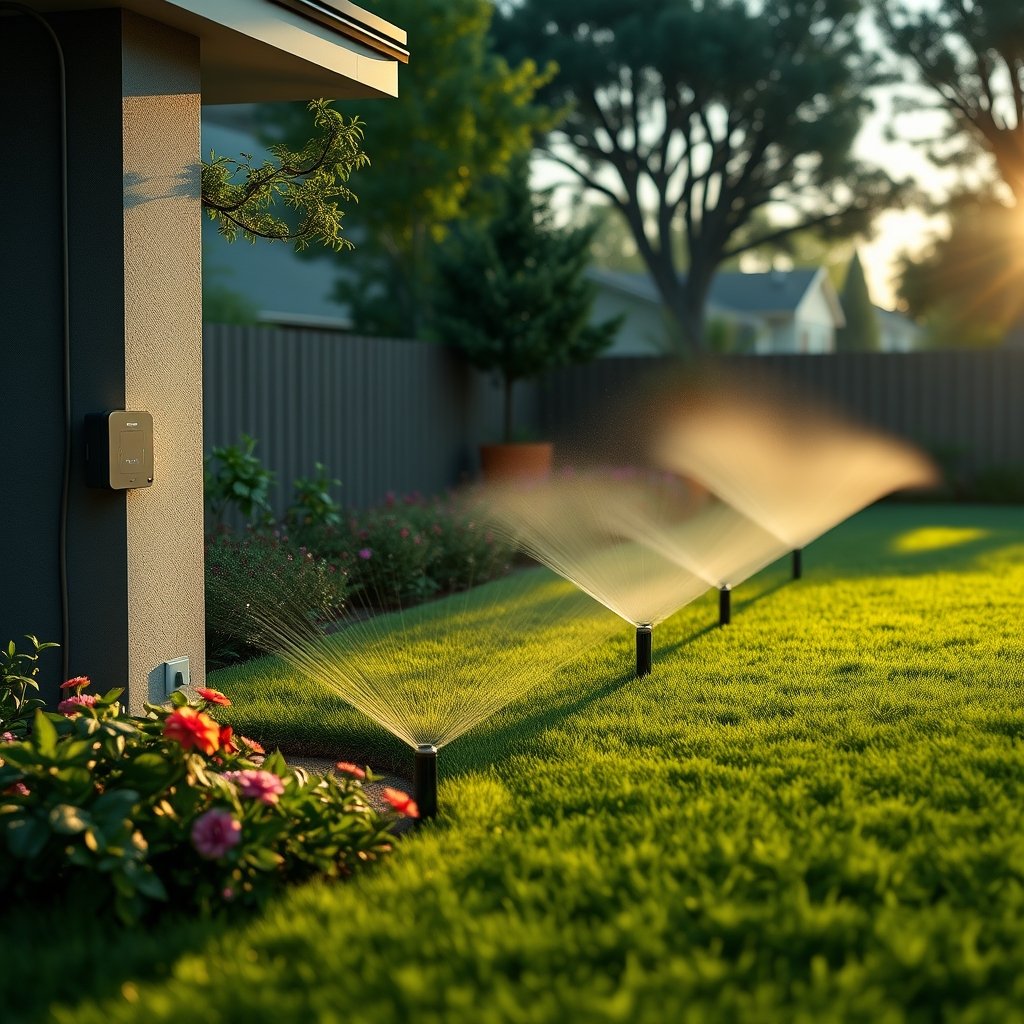
Water bills keep going up, droughts are pushing new rules in many places, and hundreds of cities now offer real rebates if you install a smart irrigation system. These controllers cut outdoor water waste by automatically adapting to weather and soil conditions, instead of just running on a timer. Homeowners who upgrade see average savings of 20–30%, and in dry regions, those savings can hit 40–50%—all while keeping your landscape healthy. The shift isn’t just about convenience; it’s about hitting stricter water targets and seeing concrete financial returns within a few seasons. EPA data confirms that residential irrigation uses over 9 billion gallons a day, so even small improvements make a big impact.
How smart sprinkler controller wifi technology actually saves water
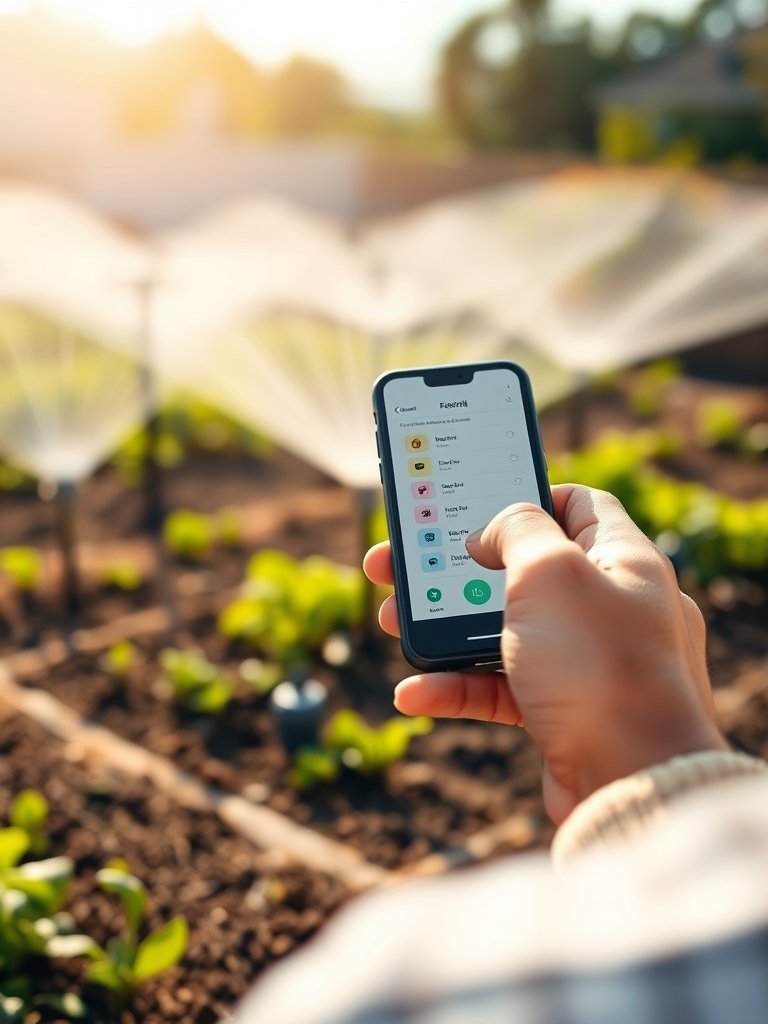
The key to savings is intelligent control, not just digital timers. A top smart sprinkler controller wifi device reads weather forecasts, senses soil moisture, and even pulls ET (evapotranspiration) rates to skip or shorten watering cycles. For example: if it rains, your system knows not to run; if it’s humid or cool, your landscape naturally needs less. The features that drive the fastest ROI are:
- Weather-based scheduling—auto-adjusts run times for rain, wind, or heat
- Soil-moisture sensors—stops watering when the soil is already wet
- Skip cycles for high humidity/high forecast rain days
- ET-based adjustments—real science-based irrigation instead of “set and forget”
Research shows that combining weather-based and soil-moisture controls can achieve savings at the high end—up to 40–50%, as opposed to 10–15% for digital timers alone (SNS Insights).
Real-world ROI: costs, payback timeframe, and examples
Let’s look at the numbers. Upfront costs for a smart irrigation system controller range from $150 to $300. Expect to add $30–$100 per soil or rain sensor and $100–$200 if you go with professional installation. Some brands (especially those with premium weather analytics or flow monitoring) charge $5–$10 monthly. Most homeowners recoup their investment in 2–3 years, thanks to reduced water bills and regional rebates.
| Scenario | Upfront Cost | Annual Water Bill Before | Annual Water Bill After | Estimated ROI |
|---|---|---|---|---|
| Small yard, DIY | $180 (controller + sensor) | $420 | $320 | 24 months |
| Mid lawn, with pro install | $350 | $700 | $525 | 18–24 months |
| Large/drought region, analytics | $550 | $1500 | $900 | 12–16 months |
Most leading controllers pay for themselves before year three, especially if you stack local rebates. Check your utility or municipal website, or look for updated rebate databases (source).
Regulations, rebates, and incentives that affect affordability (by region)
States like California, Texas, and Arizona now require water-saving tech (such as California’s SB 606 and AB 1668). This is increasing rebate offers, cutting net homeowner cost by $50–$250 in most major cities. Given that over 9 billion gallons of water are used daily for residential landscape irrigation in the US (EPA data), this isn’t just a household win—adopting a smart irrigation system makes a community-wide impact. Always check with your city or EPA WaterSense rebate finder for the latest savings in your region.
Buying checklist — technical specs to verify before purchase
Here’s what to double-check before pulling the trigger on a smart sprinkler controller wifi model. Print this for in-store or online shopping:
- Valve compatibility (standard 24V systems, or check if you have DC/other specialty valves)
- Zone count (match number of watering areas to controller channels)
- Power requirement (wired or plug-in—verify outlet location and voltage)
- Sensor inputs (rain, soil, flow sensors—if upgrading later)
- Local vs. cloud control (essential if your Wi-Fi occasionally drops)
- Wi-Fi band (most require a 2.4GHz network only—some don’t work on 5GHz or mesh unless manually configured)
- Weather data source (free public, or does it require a subscription?)
- App features (manual run, seasonal adjust, analytics, flow alerts)
- Smart home/voice assistant integration (Alexa, Google Home, Apple HomeKit—often requires a separate skill or bridge)
- Backup and firmware update support (can it still run zones offline? Auto-updates?)
Many connection issues—including setup failures—result from overlooked Wi-Fi rules. Run a Wi-Fi signal test (apps are available) directly at the controller spot before choosing hardware. Weak signal or 5GHz-only routers are the number one culprit for connection headaches (Moen Solutions).
Want more smart home upgrade tips? Check out our guide on setting up an AI smart home hub for seamless device integration.
Installation options: DIY vs professional (what to expect)
If your yard already uses a standard 24V irrigation system with zone wiring, a DIY controller swap can take under an hour—mostly unscrewing old wires, labeling, and plugging them into the new terminals. Adding external sensors or retrofitting older “dumb” systems can get complicated (think valve rewiring, rain/soil sensor mounting, or power outlet pulling). Expect 2–4 hours for a self-install, or budget $100–$200 for an irrigation pro to handle everything—including troubleshooting zone/valve issues. Pro installation also makes sense if you’re mounting outdoors or need wiring sealed in conduit. For huge or unusually wired landscapes, a professional can save you time and regret. For other outdoor projects, see our comparison of robotic lawn mowers for hands-off lawn care.
Troubleshooting the most common pain points (connectivity, setup, integrations)
Most frustrations boil down to Wi-Fi band setup and signal problems. Many smart sprinkler controller wifi models only work with 2.4GHz Wi-Fi. If your phone is on 5GHz, setup can fail. Dead zones, signal drops, and firmware auto-updates can also knock devices offline—right when you need them. Experience shows:
- 2.4GHz Wi-Fi is a must—check your router allows you to use or split this band during setup
- Place a signal booster if the controller is at the backyard edge, or use a mesh node where available
- Reboot both controller and router after firmware updates
- Be patient: advanced features (multi-zone scheduling, HomeKit/Alexa integration) sometimes need extra steps or manufacturer “skills”
- If pairing fails, try temporarily disabling 5GHz Wi-Fi, or move your phone/controller closer to the central router during setup
For more, see Rain Bird’s detailed Wi-Fi troubleshooting guide.
Top features to compare across leading 2024 controllers
Side by side, here’s what to prioritize when choosing your smart irrigation system:
- Number of zones supported (4, 8, 12, 16+)
- Sensor inputs (rain, soil moisture, flow meter)
- Weather data—free/public or premium (paid) for hyper-local accuracy
- Local manual control if Wi-Fi goes down
- Scheduling flexibility (skip days, cycle/soak, master valve)
- Multi-user app access (great for landscapers or family helpers)
- Voice assistant/automation platform support (Amazon, Google, Apple, IFTTT/Matter)
- Analytics and water use reporting
- Warranty/support and update cycle
- Subscription needs—for advanced analytics or premium weather data ($5–$10/month)
If retrofitting an older system (or adding automation elsewhere), you may also want to read our breakdown of smart home retrofit projects for older homes.
Costs and pricing snapshot for leading setups (budget to premium)
Expect to spend:
- Controllers: $150–$300
- Soil/rain sensors: $30–$100 each
- Pro installation: $100–$200
- Premium subscriptions: $5–$10 per month (for high-res weather/analytics)
Stack rebates (typically $50–$250), and that payback period drops fast—2–3 years is the realistic window for savings to offset all costs, especially in water-stressed zip codes.
Considering a full backyard refresh? Pair your new irrigation system with a cold plunge pool installation for ultimate outdoor upgrades.
What top competitor articles miss — 3 essential but undercovered subtopics
- Hands-on Wi-Fi and network troubleshooting tailored to controllers: Signal mapping at the controller site, 2.4GHz verification, and when to use mesh/extenders to prevent connection drops. Many guides ignore this, but it’s the main source of frustration—and early returns.
- Retrofit compatibility checklist: Clear steps for checking valve wiring, zone counts, and pitfalls like mixing old and new wiring. Most reviewers skip this, but failing this check is what leads to costly return or contractor calls.
- Localized ROI examples: Practical savings scenarios that actually add in your local rebate, water rates, and typical landscape size. Most blogs skip the math; we’ve shown realistic timelines, not just best-case marketing claims.
Connectivity and compatibility problems are the biggest blockers for most homeowners, as confirmed by industry research. Manufacturers are only now starting to follow universal protocols (like Matter) for easier integration.
The newest/most innovative features in 2024 and how they solve real problems
The best smart sprinkler controller wifi models in 2024 go beyond app control. Look for:
- Integrated soil moisture sensor arrays (more zones, fewer dry/burnt spots)
- Upgraded weather data sources (private weather station integration or satellite-calibrated forecasts)
- Machine-learning seasonal adjustments (learns your yard over time, minimizing water waste)
- Improved wireless/mesh modules (extend range, reduce Wi-Fi drops)
- Streamlined smart home/voice platform onboarding (less app jumping, direct Alexa/Google routines)
These address the main friction points—connectivity outages, wasted water on microclimates, and complex setup—reported by homeowners and pros alike. According to field trials, pairing real-time weather and soil moisture data can push water savings above 40% in some climates, giving a meaningful edge over standard-sensor-only models.
Quick decision guide — which system to choose by homeowner profile
- Small lawns, comfortable with DIY: Choose a Wi-Fi enabled controller (4-6 zones), confirm 2.4GHz band, and manually install. ROI in 2 years is typical even without sensors. Skip subscription extras unless you want detailed analytics.
- Mid-size yards, want analytics/app features: Go for an 8–12 zone model with at least one soil/rain sensor and built-in scheduling analytics. Consider a $5–$10/month analytics add-on if you value detailed usage breakdowns. Still DIY-friendly, but pro install helps if wiring looks complex.
- Large or drought-prone landscapes: Select a system with max zone support, multiple sensor inputs, and premium weather subscriptions. Pro installation is wise for complicated zone mapping and long wire runs. Local rebates can slash costs—apply before you buy.
Bottom line: Most owners see 20–30% water savings and hit payback in 2–3 years, so upgrade confidence is justified if you avoid the pitfalls above.
FAQs and next steps (installation checklist, where to find rebates, links to setup guides)
Can I use a smart irrigation system if my Wi-Fi is weak in the backyard?
Yes, but expect connection problems. Use a Wi-Fi extender or mesh node at the controller point, and confirm you can connect to 2.4GHz. Some controllers have optional wired Ethernet adaptor if wireless won’t reach.
Are subscriptions required? What do they buy me?
No, most basic controller features work free. Subscriptions provide hyper-local weather data or advanced analytics. If accurate weather or historical reports are important to you—or if you want leak/flow notifications—they’re worth the small fee.
How do I verify valve compatibility?
Open your old controller and photograph the wires. Most home irrigation uses 24V AC valves (common red and white wires). Check the new controller specs for 24V support. If yours is DC or nonstandard, call the controller manufacturer for an adapter or upgrade plan.
What’s the fastest way to find rebates in my area?
Start with your utility provider’s website or the EPA rebate finder. Major metros and drought-prone states almost always have rebates this year. Print any paperwork before installation.
What steps should I follow before and after purchase?
- List all irrigation zones/valves and photograph wiring
- Test Wi-Fi signal at controller site (download a Wi-Fi strength app)
- Check local rebates and water agency requirements
- Choose a controller/sensor combo that matches zone count, wiring, and app preferences
- After install, calibrate zones and test manual/auto runs in-app
- Set schedule, enable weather data, and monitor first month usage
Ready to level up the rest of your outdoor setup? Explore our step-by-step guides for crawl space encapsulation, minimalist kitchen remodel tips, or outdoor kitchen upgrades.
Conclusion
Choosing the right smart irrigation system comes down to five things: matching your valve wiring, verifying Wi-Fi coverage, picking sensors that suit your climate, considering rebates, and thinking past the glossy features to real setup or compatibility pitfalls. With savings of 20–30% (or more) now proven and ROI inside three years, there’s never been a better time to make the switch. The next move? Audit your zones and Wi-Fi, browse the checklist above, and get set for lower bills—and a healthier landscape—this season. For more home-tech upgrade strategies, check out our in-depth resources on home EV charger installation and energy-saving insulation.