

Smart water leak detector systems now offer the best real protection against catastrophic water damage, insurance headaches, and expensive repairs for homeowners—if you know what to look for and avoid common pitfalls when choosing a device or full system.
Key Takeaways
- Water damage is the number-one home insurance claim, but the right smart water leak detector paired with a WiFi water shutoff sensor can dramatically reduce risk, claims, and repair costs.
- Not all systems are equal: Connectivity issues, false alarms, limited smart home support, and hidden installation/ongoing costs are common—but you can avoid these with the right research.
- Insurers may offer 15–20% premium discounts for smart detection and shutoff, offsetting much of your investment when installed correctly and verified for coverage.
- Why water‑damage protection matters now
- How smart detectors + automatic shutoff actually change the math
- The 6 most common complaints buyers leave in reviews
- How leading brands address those complaints
- Installation — DIY sensor placement vs inline shutoff (technical detail)
- Connectivity & range — WiFi, Zigbee, Z-Wave, proprietary hubs and long-range radios
- Battery life and power options — what to expect in real use
- Integration differences across Alexa, Google Home, and Apple HomeKit
- Upfront, ongoing, and hidden costs you must budget for
- Feature matrix — which product types are best for which use case
- Three crucial questions competitor articles often skip (and how to answer them)
- Recent innovations (last 18 months) to watch for
- Quick buyer checklist and next steps
- FAQ
Why water‑damage protection matters now
Water damage remains the leading cause of homeowner insurance claims in the US, accounting for over $8 billion in annual residential losses. The average claim payout is $12,000–$12,500, while repair bills for a single burst pipe or washing machine leak routinely run from $1,300 to $6,000—even small incidents can escalate without fast detection or shutoff.
Most policies won’t cover all the damage if leaks go undetected for long, so by the time you discover moisture, mold, or ruined flooring, it’s already too late. A smart water leak detector is now considered essential protection, especially for homes with aging plumbing, finished basements, or rental properties.
How smart detectors + automatic shutoff actually change the math
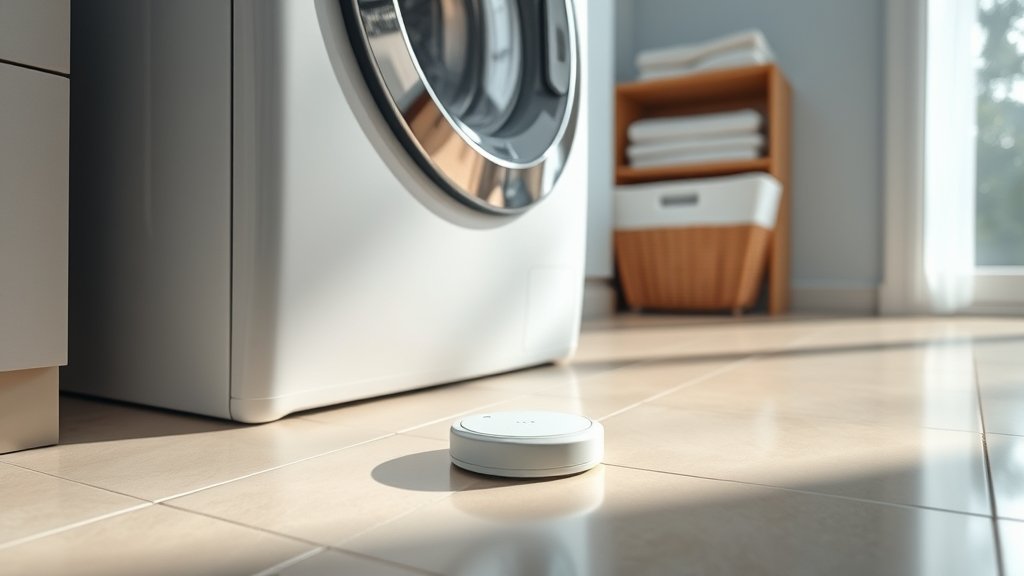
Standalone water leak sensors provide early warning but can only sound an alarm or send a notification—they don’t physically stop the water. Wifi water shutoff sensor systems actually close your main water valve automatically when a leak is detected. This one-two combination is proven: manufacturers like Moen report a 96% reduction in claim events when using their Flo shutoff device, and up to 60% of homeowners find leaks they never knew existed within the first 30 days.
Insurers are taking notice, sometimes offering 15–20% premium discounts for homes with connected leak detection and automatic shutoff valves. Compared to the cost of a smart system (typically $200–$600 for sensors, $400–$900 for shutoff, plus possible installation fees), the math often strongly favors upgrading before disaster strikes.
The 6 most common complaints buyers leave in reviews
A smart water leak detector can save you thousands—but only if you avoid common frustrations. Real-world user reviews repeatedly surface these issues:
- False alarms caused by normal humidity, minor drips, or condensation—particularly in basements and near HVAC equipment
- WiFi connectivity problems: many models only work with 2.4 GHz bands, and pairing can be finicky in larger or mesh-network homes
- Need for a separate companion app for monitoring and alerts—often leading to notification fatigue or missed warnings
- Limited support for Apple HomeKit; even strong Alexa/Google Home support may require extra steps or a separate hub
- Short battery life (often under a year with frequent alerts or cold locations), especially for models using smaller coin cells
- Professional installation required for in-line shutoff valves (and limited compatibility with older plumbing or pipe diameters)
Understanding these pain points upfront helps you choose a solution that fits your technical skill and your property. Moen Flo’s report highlights that installation quality, app setup, and sensor placement all contribute to both positive and negative outcomes.
How leading brands address those complaints
To tackle common user problems, the top brands have refined firmware, expanded radio options, and upgraded their support. For example:
- Detection algorithms now distinguish between genuine leaks and benign humidity—reducing false positives.
- Dual-band WiFi, Zigbee/Z-Wave, and even LoRa long-range radios are showing up, providing better coverage (YoLink’s systems advertise up to a quarter-mile range with a hub).
- Optional hubs are offered to extend range, centralize notifications, and bridge integrations (crucial for HomeKit or platform-agnostic routines).
- Pro installation kits for shutoff valves are more available—these reduce the risk of DIY plumbing mistakes and ensure warranty coverage.
- Vendors like Abode, Aqara, and SmartThings now offer 2–3 year battery life on AA or CR2032 cells, with reliable performance even in colder environments. See brand battery life comparison.
Always check for recent firmware updates, user forums, and support guides for your chosen smart water leak detector or wifi water shutoff sensor to stay current and reduce hassle.
Looking for more advanced whole-home defense? See related guides: smart home retrofit DIY, whole home battery backup, and AI smart home hub setup.
Installation — DIY sensor placement vs inline shutoff (technical detail)
There are three main configurations:
- Spot/battery sensor: Simple to deploy—just place under sinks, washing machines, or water heaters. Make sure the contacts touch the lowest point where water would pool. No plumbing is involved.
- Plug-in or inline flow monitors: Attach to appliance supply lines for continuous monitoring. These usually need an outlet nearby but provide real-time data via app dashboards.
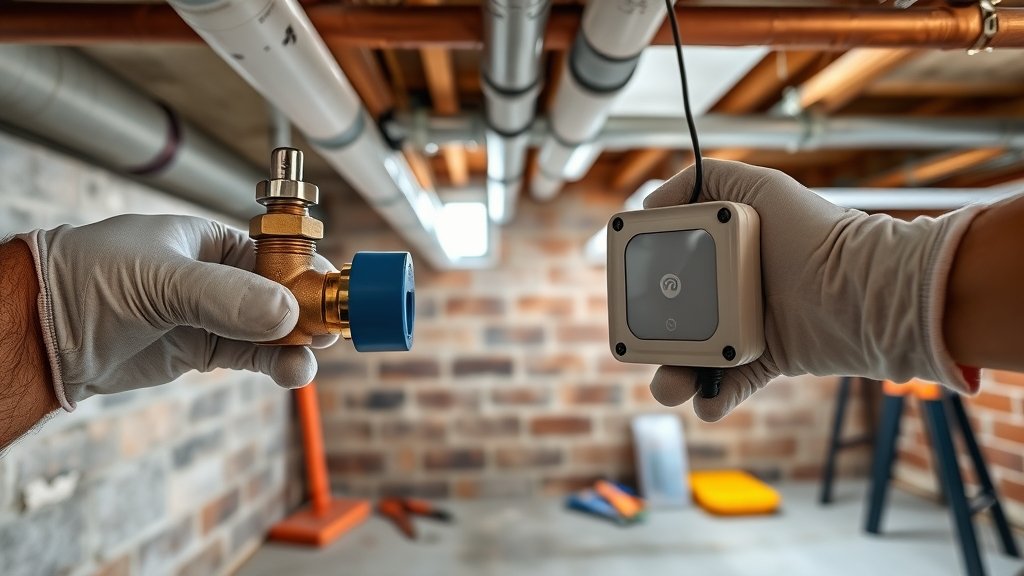
- Whole-home shutoff valves: For the highest protection, an in-line smart shutoff valve is installed directly after your main supply shutoff. These systems require knowledge of your pipe type and may demand pro installation (average $300–$700 additional cost). Wirecutter details the tradeoffs.
Some sensors and shutoff systems require their own wireless hub, adding upfront cost but enabling more robust real-time notifications and platform integrations (especially for Apple HomeKit setups or broader smart home automations).
Connectivity & range — WiFi, Zigbee, Z-Wave, proprietary hubs and long-range radios
Most smart water leak detectors rely on 2.4 GHz WiFi—a problem for coverage in multi-story houses, big homes, or concrete basements. Typical max range is 70–120 feet with interference. Hubs or bridges (connectable via Ethernet or WiFi) can extend range to 100–150 feet and introduce Zigbee/Z-Wave compatibility, though at added cost and setup steps.
Some leading vendors offer LoRa (long range) options, boasting quarter-mile range in open areas—realistically 200–300 feet through walls in a home. Proprietary radio setups (e.g., YoLink, Aqara) have become popular in rentals and older homes where WiFi is inconsistent.
Consider your floorplan and materials before you buy—if your WiFi drops during a leak event, you won’t get an alert. If you have a large home, a hub with mesh networking can mean the difference between success and frustration.
Want to compare other smart home upgrades that rely on strong connectivity? Explore home EV charger installation.
Battery life and power options — what to expect in real use
Battery-powered sensors typically last between 1 and 5 years, depending on battery size, how often water or connectivity events trigger alerts, and the wireless protocol used. AA-powered models (Abode, SmartThings, Aqara) often promise 2–3 years per cell, while coin-cell designs may dip to under a year in busy environments or cold garages.
WiFi models usually burn more battery, especially if placed far from routers. Plug-in sensors or inline modules avoid dead batteries but may need extra outlets installed, increasing cost.
Check the manufacturer’s published specs and scan reviews for real-world lifespan—heavy alert environments will always reduce the time between changes. Tip: test your batteries every 6 months, or schedule reminders for each sensor in your smart home dashboard.
Integration differences across Alexa, Google Home, and Apple HomeKit
Native Alexa and Google Home compatibility are common in top-selling sensors and shutoff valves (“works with Alexa” badges are reliable in this category). HomeKit support is less universal; many products need their own proprietary hub (like Aqara) to work with Apple’s ecosystem.
One big frustration: app fragmentation. Some “universal” sensors depend on clunky third-party apps or may not support full automation triggers—read the listing carefully. If you want all alerts, automation, and logging under one roof, consider investing in a compatible hub from the start.
Complexity increases if you intend to automate water shutoff based on sensor triggers; not all platforms support this natively without custom programming. Check vendor FAQs, forum posts, and update logs.
Upfront, ongoing, and hidden costs you must budget for
The sticker price is only part of the picture. Here’s what to budget for:
- Sensors: $20–$60 each (you’ll usually want 3–8 per typical house)
- Hubs/Bridges: $40–$130, usually required for advanced integration, extended range, or HomeKit compatibility
- Inline shutoff valves: $400–$900 device cost, plus $300–$700 installation if you hire a plumber
- Batteries/replacement: Expect $10–$30 per year if using lots of AA or coin cells
- Cloud subscriptions: Some vendors charge $3–$9/month for advanced notification history, insurance documentation, or extended support
- Insurance discounts: 15–20% reductions on water damage premiums are possible, potentially offsetting up to $100–$500/year (ask before you invest!)
Learn how similar hidden costs affect other major home upgrades in ADU garage conversion budgeting.
Feature matrix — which product types are best for which use case
| Type | Best Use Case | Key Features | When Not Recommended |
|---|---|---|---|
| Spot Sensors (Battery) | Under appliances, sinks, water heaters, basements | Easy DIY, low cost, works with most ecosystems | Cannot shut off water—alarm only |
| Plug-in/Inline Sensors | Continuous monitoring for single fixture (e.g. laundry) | More reliable notifications, combine with spot sensor for coverage | Needs outlet; risk of unplugging/cord tripping |
| Whole-Home Shutoff Systems | Comprehensive leak defense, vacation/rental property, main home supply | Can automatically stop supply and prevent catastrophic loss | Higher upfront/installation costs, may not fit in all plumbing setups |
| Hybrid: Sensors + Shutoff + Hub | High-value/complex homes, automation-savvy users | Insurance compliance, smart home integration, all-in-one control | Ongoing cloud fees, may require technical setup or pro install |
As a rule: Standalone battery sensors are easy and affordable but only alert; physically stopping water (and claims) requires a shutoff valve plus well-placed sensors.
Three crucial questions competitor articles often skip (and how to answer them)
- Does my system protect me if the WiFi or cloud goes down? Many detectors only send alerts via the cloud. Choose a system with local audible alarms or a hub with backup radio that supports local notifications and failsafes (important in power/internet outages).
- Is my plumbing compatible? Inline shutoff valves require specific pipe diameters and materials; older homes may need adapters or be incompatible altogether. Verify this before purchase.
- What about device security/account safety? Always use two-factor authentication and unique passwords for smart water leak detector accounts, and keep firmware updated to prevent unauthorized control of your main water valve.
Most reviews skip these factors. For a deeper dive on smart device integration, see our full smart home automation guide.
Recent innovations (last 18 months) to watch for
Rapid changes are happening in both hardware and software to address old limitations:
- AI-driven leak prediction and smarter detection algorithms reduce false positives and send preemptive alerts (catching leaks before pooling occurs).
- Standardization of wireless protocols—Matter, improved Zigbee, dual-band WiFi—is improving reliability and future-proofing purchases.
- LoRa, Thread, and proprietary long-range radio chips make multi-story or basement coverage feasible without mesh WiFi upgrades.
- Component costs are dropping, opening up whole-home coverage at mid-market pricing.
- Batteries are lasting longer—3–5 year lifespan claims are more realistic with new designs.
Industry analysts expect a 45% overall market expansion by 2030 driven by these advances and high demand for loss-mitigation in both residential and rental properties.
Quick buyer checklist and next steps
- Map your highest-risk leak locations (appliances, sinks, basement, main entry line)
- Confirm your smart home ecosystem (Alexa, Google Home, Apple HomeKit, or generic app?)
- Decide on hub vs. hubless (weigh integrations vs. app simplicity)
- Calculate true cost: sensors, shutoff, required battery type, installation, and annual fees
- Ask insurers for written verification of potential discounts before purchasing
- Plan for battery replacement/testing at least once a year
- For pro installation: Request a compatibility check for your main plumbing before buying an inline shutoff
Questions to ask a vendor or installer:
- Is this sensor certified for insurance discount or local code compliance?
- Can the shutoff valve be reversed manually if the system fails?
- What happens if the WiFi or cloud server is down—will I still get an audible alarm?
- How does this integrate with my preferred platform—are automation triggers supported?
Ready to take action? See our next-level guides for smart home security, backup power, and water system upgrades: whole house water filtration system.
FAQ
Do smart water leak detectors actually stop a leak?
No, standalone sensors only detect and alert. You need a wifi water shutoff sensor—an inline valve—to automatically cut water supply and prevent major damage.
Can I use these with Apple HomeKit?
Some brands (like Aqara or Abode) support HomeKit via a hub, but many popular options lack native HomeKit support. Always check before buying if integration is important.
How do I avoid annoying false alarms?
Choose a detector with smart algorithms for humidity and environmental noise filtering, and always follow manufacturer placement guidelines. Avoid placing directly near HVAC vents or condensation-prone areas unless necessary.
What if my WiFi is unreliable or drops in a storm?
Consider a system with local alarms, a hub with backup radio (Zigbee, Z-Wave, or LoRa), and frequent battery checks. Some systems operate even if WiFi fails, but cloud-based notifications will not arrive if your network is down.
Is professional installation always required?
For standalone sensors, no. For main-line shutoff valves, professional installation is recommended for warranty, insurance, and safety reasons—especially in older homes or where code compliance is required.
Conclusion
A smart water leak detector isn’t just another gadget—it’s one of the most cost-effective, high-ROI investments you can make, especially if paired with a wifi water shutoff sensor for automatic protection. Insist on coverage, reliability, and integration that fits your home. Don’t wait for disaster: act now, use this checklist, and talk to your insurer—your home and wallet will thank you.